
Introducing NeatInvoice — Your invoicing workspace is live
NeatInvoice is live: a calm invoicing workspace for consultants, creatives, freelancers, and independent service professionals, with live client links, finance overview, and a 7-day trial on Solo or Studio.
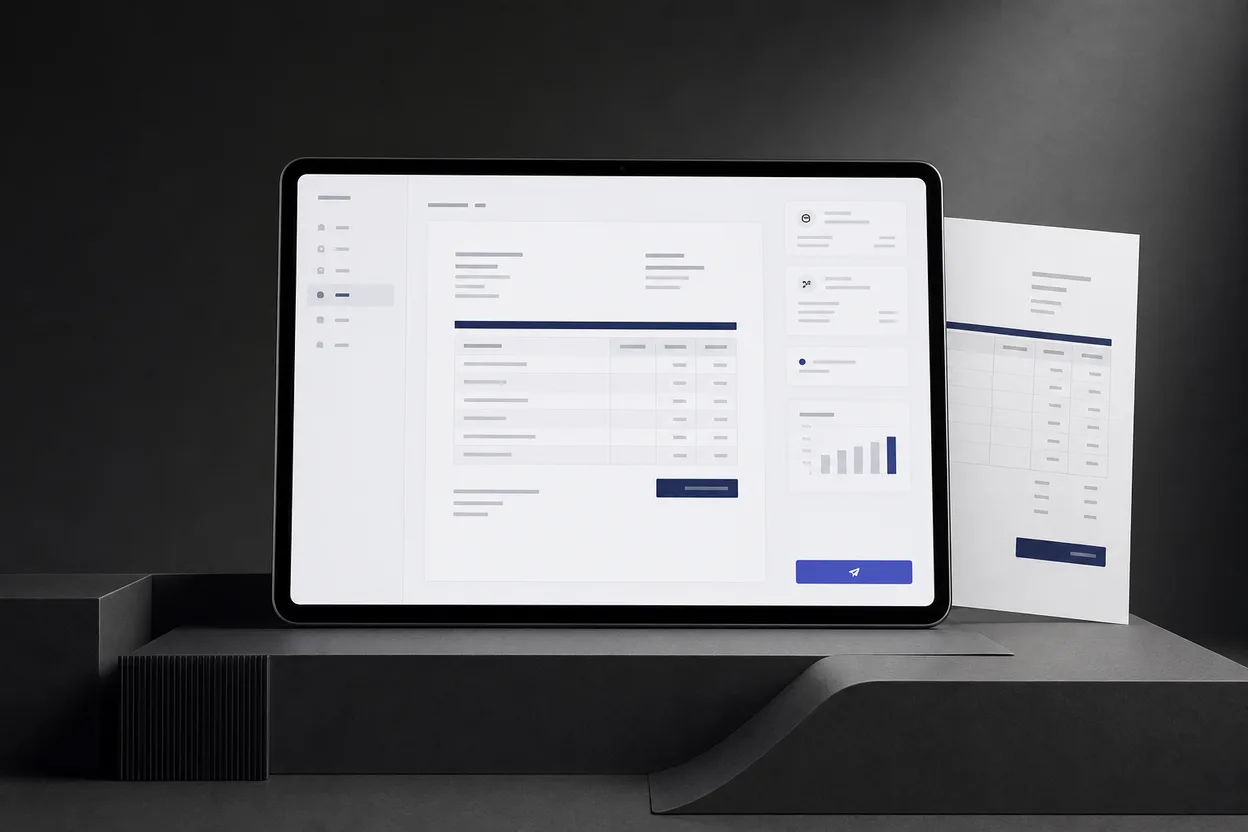
You send the invoice. Then you wait.
Did they open it? Should you follow up today or give them another day? Is the payment late, or did the email never land? For most freelancers, the hardest part of invoicing is not creating the PDF — it is everything that happens after you hit send.
That gap between sending a bill and knowing what to do next is why we built NeatInvoice.
An invoicing workspace, not another PDF tool
NeatInvoice is a professional invoicing workspace for consultants, creatives, freelancers, and independent service professionals. One place to draft invoices, share live client links, see when they are opened, and understand what is still owed when you mark invoices paid.
We are not trying to be accounting software. We are building a workspace you return to after send: calm editor, honest sync state, and routes that tell you what needs attention.
If you only need a one-off PDF with no account, our free invoice generator is still there — no sign-up, no watermark. The workspace is the full story: library, cloud sync, live links, overview, and activity when you are ready to sign in.
What you can do in the workspace today
We shipped the core loop first — create, send, track, get paid — because that is the daily workflow independent professionals rely on.
Build invoices in a calm editor
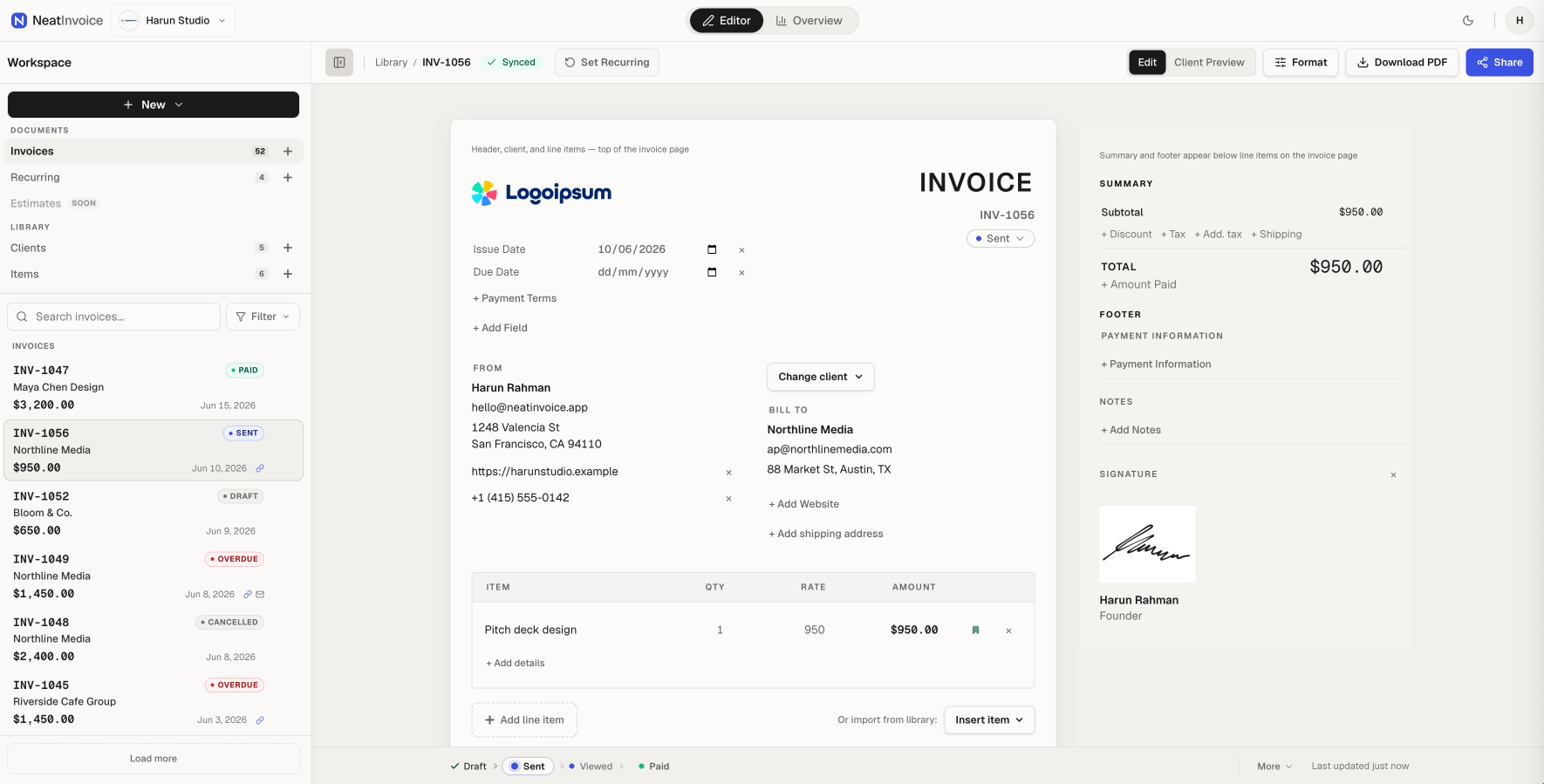
Draft in a split editor with a client-ready document in the center. Save clients and line items to your library so the next invoice takes less time. Switch to Client Preview to see exactly what your client will see before you share anything.
Multiple currencies, PDF export, and per-workspace branding (logo, sender details, payment fields, invoice numbering) are built in. Studio supports up to five business names and shared access for up to five people total, owner included; Solo is single-user and covers one business name. For the handoff details, see the team invoicing workflow.
Share live links — not just attachments
Instead of attaching a PDF and hoping it was received, you can publish a live link. Your client opens the invoice in their browser — no account required. When the link is on, NeatInvoice records views so you can see whether they have opened it and when.
A live link and invoice status are separate on purpose. You can publish a draft for a quick client preview. Reminders and accounts-receivable semantics use status (Sent, Overdue, Paid) — we do not force you through extra steps just to share a link.
Finance overview
Finance Overview answers four practical questions without leaving the workspace: what was collected, what may arrive next, what is at risk, and what needs attention. Cash position separates recorded payments, expected receivables, still-owed balances, and overdue balances instead of collapsing them into one revenue total.
Cash outlook keeps expected receivables separate from scheduled recurring invoices. Follow up first prioritizes delivery failures, missed payment promises, overdue balances, viewed or unviewed invoices, drafts, estimates, and recurring setup. Receivables aging uses the remaining balance after partial payments.
Collected versus billed, client payment health, lifetime collected, and revenue mix provide context without pretending to calculate profit or guarantee future cash. Read the complete Finance Overview guide for the calculation rules and a practical weekly workflow.
Finance overview
Sample workspace data
Collected this month
$12,840
4 recorded payments
Expected next 30 days
$9,131
3 expected receivables
Still owed
$17,612
5 unpaid invoices
Overdue
$8,481
2 invoices past due
Cash outlook
Deterministic estimates, not guaranteed cash.
Expected receivables · 30 days
$9,131.00
Based on due dates, client payment history, and promises.
Scheduled recurring · 90 days
$2,600.00
Scheduled invoices stay separate from collected cash.
Follow up first
3 items need a next step
#INV-1060 · Riverside Cafe Group
#INV-1054-099 · Maya Chen Design
#INV-1053-01 · Northline Media
Receivables aging
Remaining balance grouped by age.
No due date
$0
0 invoices
Not yet due
$9,131
3 invoices
1-30 days overdue
$3,850
1 invoice
31-60 days overdue
$4,631
1 invoice
61+ days overdue
$0
0 invoices
Collected vs billed
Cash received and invoices issued in the selected period.
Collected
$42,750
Billed
$51,280
Average / month
$7,125
Lifetime collected
$128,460
Client payment health
Payment behavior and open exposure by client.
Maya Chen Design
8 days typical · 75% on time
$4,631
overdue exposure
Riverside Cafe Group
No payment history
$3,850
outstanding
Northline Media
12 days typical · 100% on time
$650
outstanding
Revenue mix
Top collected line items. Revenue, not profit.
Website design
6 uses · $1,550 average
$9,300
Brand consultation
4 uses · $1,125 average
$4,500
Monthly support
5 uses · $650 average
$3,250
Invoice library and document activity
The invoice library contains every invoice in the active workspace, filterable by status (open, draft, sent, overdue, paid, cancelled), client, aging bucket, currency, payment month, or search. Overview cards and buckets open this library with the relevant filters already applied.
Each open invoice has its own Activity tab for views, delivery, reminders, payment records, status changes, and private collection follow-up. This keeps account-wide analysis in Overview and invoice-specific history beside the document it explains.
Email dispatch
You can send an invoice from Share without leaving NeatInvoice. The email goes to your client's inbox with a secure live link — not a PDF attachment that gets lost in downloads. You set subject and message; reply-to uses your sender email or account email.
Delivery status shows in Share while the message is in flight: sent, delivered, bounced. If something blocks delivery (suppression, invalid address), you see it before you waste a follow-up on the wrong assumption.
Live links are included on every plan — copy into email, chat, or wherever you already reach clients. The workspace also sends from Share when you prefer not to paste the link yourself.
Automated payment reminders
Late payments are where freelancers lose the most time — polite chase emails, calendar reminders, mental notes that never fire. You can schedule up to three automatic payment reminders after the due date — gentle, firmer, then final. Each stage has its own timing and email copy you can edit in Share. NeatInvoice sends them only while the invoice is still unpaid.
Reminders require a due date, a client email, and invoice status Sent or Overdue. Paid and cancelled invoices are excluded. You schedule stages in Share; cron handles the sends. You stay out of the inbox unless money actually moves.
From draft to paid — without the back-and-forth
The workflow we designed around:
- Create — business info, client, line items, payment links in one place
- Send — email from the app or copy a live link into the channel you already use
- Track — see exactly when your client viewed the invoice
- Get paid — automated reminder stages if payment is still late after the due date
Recurring schedules cover retainers: a blueprint on the canvas, a paused setup phase until you activate, then generated invoices on a schedule with optional auto-send. That is a longer story for another post; the launch build ships it for subscribers who need it.
You should not need a manual to understand the daily loop.
Trials and plans
NeatInvoice is a paid invoicing workspace on Solo and Studio, built for independent professionals who invoice clients regularly. New accounts get one 7-day free trial on either plan with no credit card.
Every plan includes unlimited invoices, live links, and saved clients and items, plus live link tracking, finance overview, invoice activity, PDF export, and cloud sync. Studio adds shared access for up to five people total, up to five business names, and a higher monthly email allowance from Share. Details are on pricing.
Solo is single-user for one business name. Studio adds shared access for up to five people total, owner included, and supports up to five business names.
Built by a small team for independent work
NeatInvoice is built by a small team focused on people who bill clients regularly — designers, developers, consultants, writers, and other independents who care more about correct amounts and client-ready layout than decorative UI.
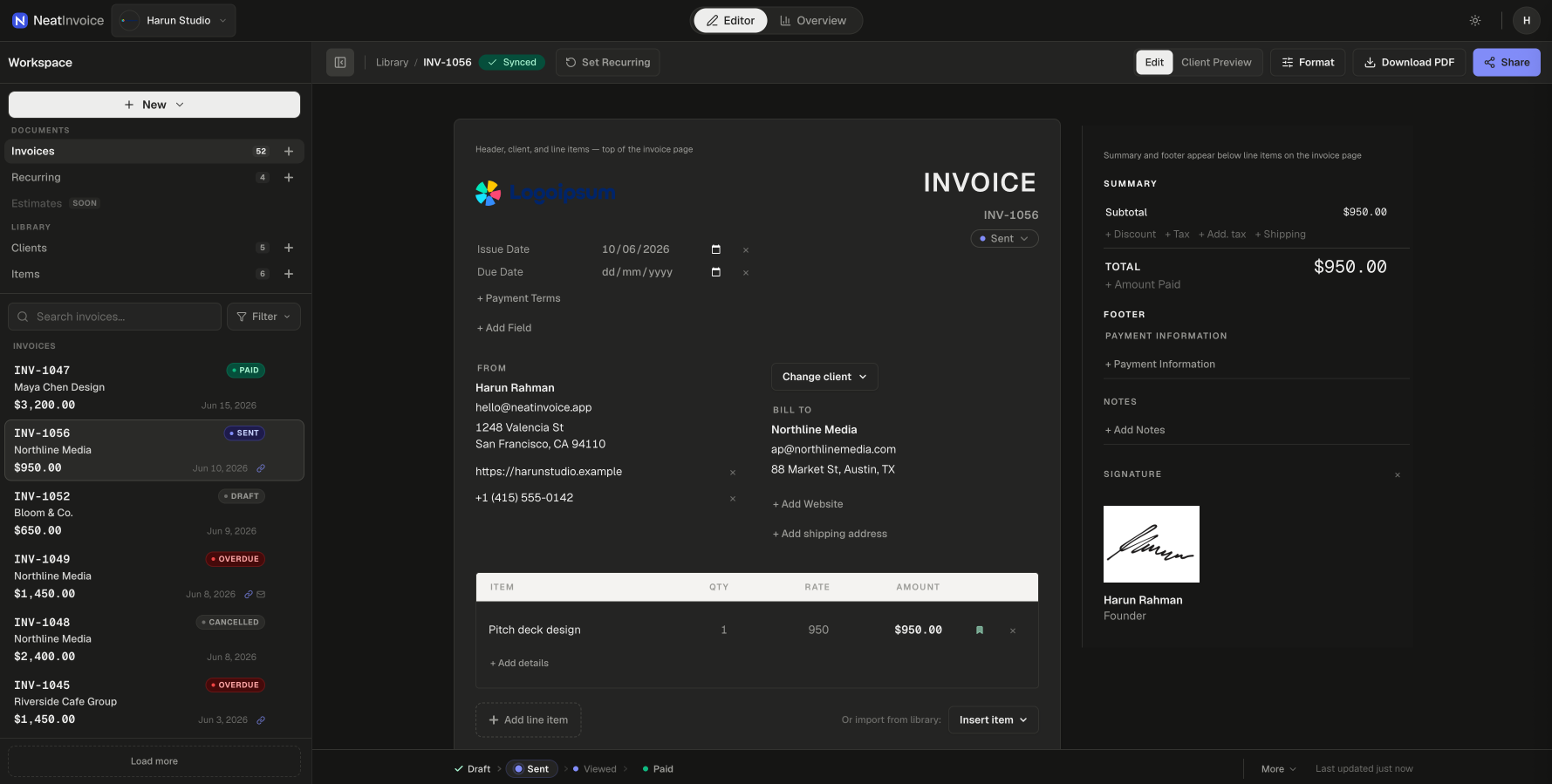
We chose a local-first approach: your edits are captured immediately; sync happens in the background with a clear save state. Familiar patterns — sidebar library, status pills, segmented Edit and Preview — because your invoicing tool should feel competent on day one, not like a product that needs a demo call.
The visual language is intentionally restrained: cool zinc neutrals, paper-like invoice document, indigo accent only where it matters (Share, sent, viewed). We call it the trusted desk — an independent professional's workspace in good light, not a generic SaaS dashboard.
Product updates
Launch is a starting point, not a finish line. The product updates page shows what is already available and the few directions we are exploring from customer feedback. Global workspace search and in-app notifications are already in the workspace today. We ship in small, honest steps.
Product updates will continue to land here on the blog and on the product updates page.
Try it
If invoicing has been a cycle of send-and-guess, we built this for you.
Start a 7-day free trial on Solo or Studio (no card required), or see pricing for plan details.
Questions or feedback: hello@neatinvoice.app.
We are glad you are here.