
Focused invoicing
Simple invoice software that keeps billing moving
Use a short path from client and line items to a reviewable invoice, live link or PDF, payment status, and the next follow-up.
Best fit
Best for independent service businesses that want a clear billing tool with honest boundaries.
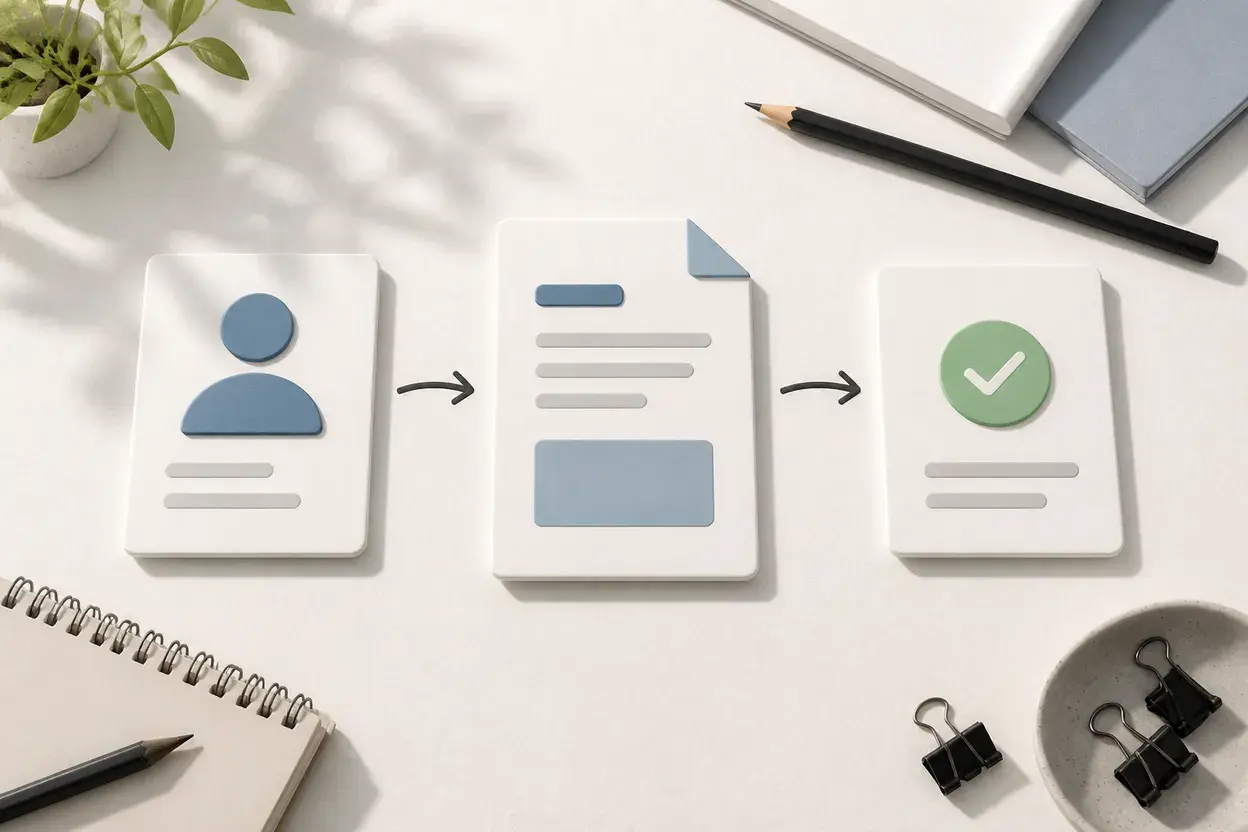
NeatInvoice keeps the core invoicing path compact: create an estimate or invoice, review the amount and terms, share a live link or PDF, see status, and follow up. It intentionally does not turn a focused invoice workflow into bookkeeping, payroll, bank reconciliation, or a payment processor.
Written and reviewed by Willya Randika
Product proof
The short path stays visible
Finance overview
Sample workspace data
Collected this month
$12,840
4 recorded payments
Expected next 30 days
$9,131
3 expected receivables
Still owed
$17,612
5 unpaid invoices
Overdue
$8,481
2 invoices past due
Follow up first
3 items need a next step
#INV-1060 · Riverside Cafe Group
#INV-1054-099 · Maya Chen Design
#INV-1053-01 · Northline Media
Receivables aging
Remaining balance grouped by age.
No due date
$0
0 invoices
Not yet due
$9,131
3 invoices
1-30 days overdue
$3,850
1 invoice
31-60 days overdue
$4,631
1 invoice
61+ days overdue
$0
0 invoices
Two payments recorded
$1,400 collected · $600 remaining
A focused workspace keeps the core invoice and follow-up decisions close without pretending to replace accounting, bookkeeping, or payment processing.
Ready to use the workflow?
Start with a 7-day trial, no card required, and keep the free generator available for one-off PDFs.
Simple invoice software shortens the billing path without hiding the work that still needs judgment. The useful version helps you create a clear document, share it through the right channel, see its status, and decide the next follow-up without forcing bookkeeping into the same screen.
This page is published by NeatInvoice. It explains our product workflow rather than presenting an independent comparison.
What simple invoice software should remove
It should remove repeated entry, unclear ownership, and status guesswork. It should not remove the review that protects the client relationship. A short workflow still needs the correct sender, recipient, line items, dates, currency, terms, and payment instructions.
Simple does not mean a generic form. A useful invoice record can start from an estimate, reuse a saved client, use a reusable item, publish a live link, export a PDF, show status, and keep a payment date. It can also state its limits before a business relies on it for accounting or payment processing.
| Keep short | Keep deliberate |
|---|---|
| Create the document | Scope, amount, tax, currency, and due date |
| Share the invoice | Recipient, delivery path, and payment instructions |
| Track the record | View context, approval, status, and payment date |
| Follow up | Whether the balance is routine, blocked, or disputed |
The goal is not to make every business fit one process. It is to make the basic invoice lifecycle easy to see.
A shorter invoice workflow
Start by choosing whether you need a one-off PDF or a reusable workspace. The free invoice generator is enough for a document that stays on the current browser. A workspace makes more sense when you bill the same clients, need a history, or want to see which invoices are still open.
In the workspace, the path is compact:
- Create an estimate or invoice.
- Add the real client and line-item detail.
- Review dates, terms, currency, and payment instructions.
- Publish a live link, send through the Share flow, or export a PDF.
- Use status and view context to choose the next action.
- Record the payment date after funds arrive elsewhere.
The invoice tracking feature explains what a view can and cannot tell you. The invoice reminder feature explains why an automated reminder should still leave room for a dispute or approval blocker.
Simple invoicing without accounting
Some businesses search for invoice software without accounting because they already have a bookkeeper, accounting system, or lightweight process for expenses and tax. That is a valid boundary when the systems have clear owners.
NeatInvoice owns the client-facing invoice workflow. NeatInvoice does not process payments. It does not replace bank reconciliation, payroll, tax filing, expense categorization, financial statements, or a general ledger. It can record an invoice as paid after the business confirms the payment, but it does not settle the transaction.
Payment links and bank details are displayed as configured. The payment provider or bank owns the payment event. Publishing creates a live link; it does not send the invoice or prove delivery. A view means that the link loaded, not that the client approved the work.
This boundary keeps the page honest and helps a business decide whether it needs more software. If a general ledger is the center of the workflow, choose accounting software. If the main issue is creating and following up on invoices, focused invoicing can be enough.
Best fit and not a fit
Simple invoice software is a good fit when:
- You bill for services, projects, milestones, or predictable repeat work.
- You need a clear invoice record more than a full accounting suite.
- Clients can use a live link, PDF, email, or a payment destination you already operate.
- You want estimates, saved clients, status, reminders, or recurring schedules in one place.
Choose a broader platform when you need dispatch, inventory, job costing, time capture, payroll, bank feeds, customer portals, contracts, subscription charging, or payment recovery. Do not make a focused invoice editor own a record it cannot verify.
The freelancer invoicing workflow is a useful next step when you want to compare the product with your client work. The Wave alternative comparison helps when the decision is between focused invoicing and a broader accounting product.
If you want a direct category comparison before starting, read how to choose invoicing software for freelancers.
Simple invoice software setup checklist
- Decide whether the next document is a PDF or a reusable workspace record.
- Confirm sender identity, client, currency, and invoice number.
- Use a specific service period or deliverable in each line item.
- Set an explicit due date alongside any Net terms.
- Preview the invoice before publishing or sharing it.
- Check that payment instructions point to the right destination.
- Use view and status context to choose a follow-up.
- Keep bookkeeping and payment processing with their actual owners.
Frequently asked questions
What makes invoice software simple?
Is simple invoice software the same as accounting software?
Can I start with a free invoice generator?
Who should not choose simple invoicing software?
Keep going
Related billing paths
Keep the next invoice clear
Move from a one-off document to a reusable workspace when saved clients, live links, status, and follow-up are worth keeping together.
Sources and related guidance
References used to support this page in . Rules and product details can change; check the linked source for current, jurisdiction-specific information.
- How to make a freelance invoice by NeatInvoice
- How to send an invoice by NeatInvoice