
Invoicing by workflow
Invoicing software for service businesses
Find the billing workflow that fits your trade, plus the limits that signal a specialist platform is safer.
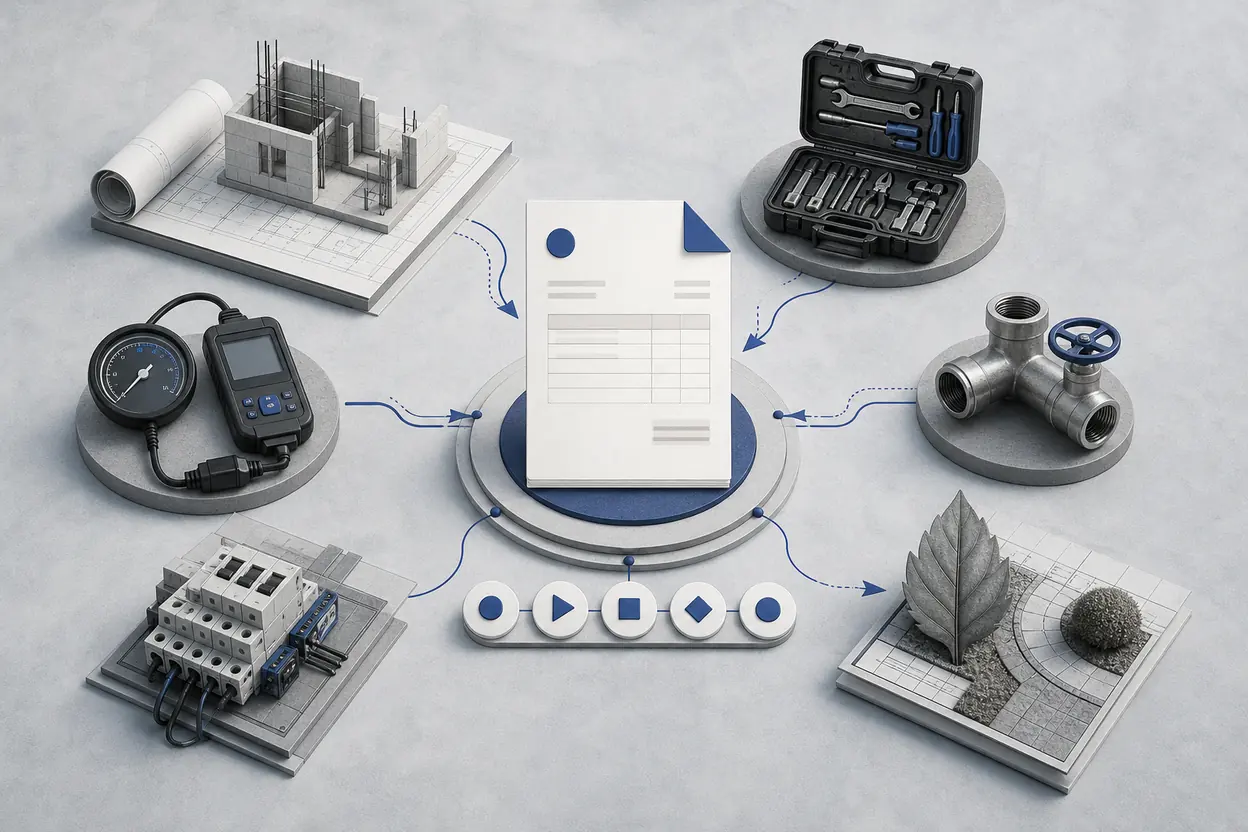
Built for billing
Not field operations or bookkeeping.
NeatInvoice helps an owner-operated service business move from an estimate to an invoice, share a live link or PDF, follow up, and record payment. It does not operate the field job or maintain a general ledger. That boundary matters more than a long feature checklist.
Choose your billing workflow
Each guide explains the real fit, an estimate-to-invoice scenario, supported tasks, specialist gaps, setup checks, and a paired invoice template.

Construction billing
Construction
See how NeatInvoice handles estimates, progress invoices, change work, live links, reminders, and open balances for small construction teams.
Read industry guide
Contractor invoicing
Contractors
Manage estimates, deposits, labor and material invoices, approved changes, client links, and payment follow-up without field-service overhead.
Read industry guide
Plumbing invoicing
Plumbers
Turn accepted estimates into plumbing invoices with service addresses, callout fees, labor, materials, live links, and reminder workflows.
Read industry guide
Landscaping invoicing
Landscapers
Invoice landscaping projects and recurring maintenance with estimates, service periods, materials, live links, schedules, and reminders.
Read industry guide
Electrical invoicing
Electricians
Create electrical estimates and invoices with service locations, callouts, labor, parts, inspection references, live links, and reminders.
Read industry guide
Auto repair invoicing
Auto repair
Create estimates and itemized auto repair invoices with vehicle references, parts, labor, authorization notes, live links, and payment follow-up.
Read industry guide
Consultant invoicing
Consultants
Build consultant estimates and invoices with service periods, milestones, retainers, live links, reminders, and payment status.
Read industry guide
Focused invoicing, field service, or accounting?
- Focused invoicing workspace
- HandlesEstimates, invoices, client links, PDFs, reminders, recurring schedules, and open balances.
- Choose whenChoose it when billing is the problem and operational work already has a reliable home.
- Field-service platform
- HandlesDispatch, technician schedules, routes, work orders, price books, and sometimes inventory.
- Choose whenChoose it when crews, appointments, and work execution must connect directly to billing.
- Accounting suite
- HandlesBookkeeping, bank reconciliation, expense categories, financial statements, and tax records.
- Choose whenChoose it when the ledger is the main system and invoices must post into complete accounts.
These categories can work together. A small contractor might run jobs in a field-service tool, send invoices from NeatInvoice, and give final records to an accountant. Avoid duplicate entry by deciding which system owns client details, operational records, invoice status, and bookkeeping.
A practical billing workflow
Keep responsibility clear from accepted scope through recorded payment.
Agree scope
Record work, exclusions, price, and expiry in an estimate.
Request payment
Convert accepted work into a clear invoice and due date.
Deliver
Share a live link, send email, or provide a PDF.
Follow up
Use view context, reminders, and open balances carefully.
Record paid
Update status and payment date after funds arrive elsewhere.
What NeatInvoice handles
Publishing creates a live link. It does not send the invoice or prove delivery. A view means the link loaded, not that the client approved the work or intends to pay. Payment happens through the method you and the client choose.
Included in NeatInvoice
Estimate to invoice
One-click conversion keeps accepted scope as a billing starting point.
Live client links
Publish a viewable document without treating publication as delivery.
PDF export
Useful for client records and procurement workflows.
Email and reminders
Send from the Share flow and configure routine reminders.
Recurring schedules
Prepare or auto-send repeat invoices from a reviewed blueprint.
Keep in a specialist system
Payment processing
Record status after payment is received through your chosen method.
Bookkeeping and tax filing
Use accounting software or a qualified professional.
Scheduling and dispatch
Use a field-service platform when operations require it.
A clean handoff beats feature overlap
Decide the record owner before adding software. Estimates and invoice status can live in NeatInvoice. Appointments, work orders, permits, inspection certificates, parts records, time sheets, or job-cost reports should remain in the specialist system that creates and governs them.
Invoice fields, tax treatment, licensing references, late fees, and record-retention duties vary by contract and jurisdiction. The industry guides provide operational examples, not legal, tax, or accounting advice.
If the focused workflow fits, start a 7-day free trial with no card. If you only need one document, use the free invoice generator or choose a profession-specific invoice template.