
Invoice payment links
Add payment links to your invoices
Show the payment link or bank instructions you already use on a professional invoice, with a clear boundary around what NeatInvoice does not process.
Best fit
Best when the payment method already exists and the invoice needs a clear next action.
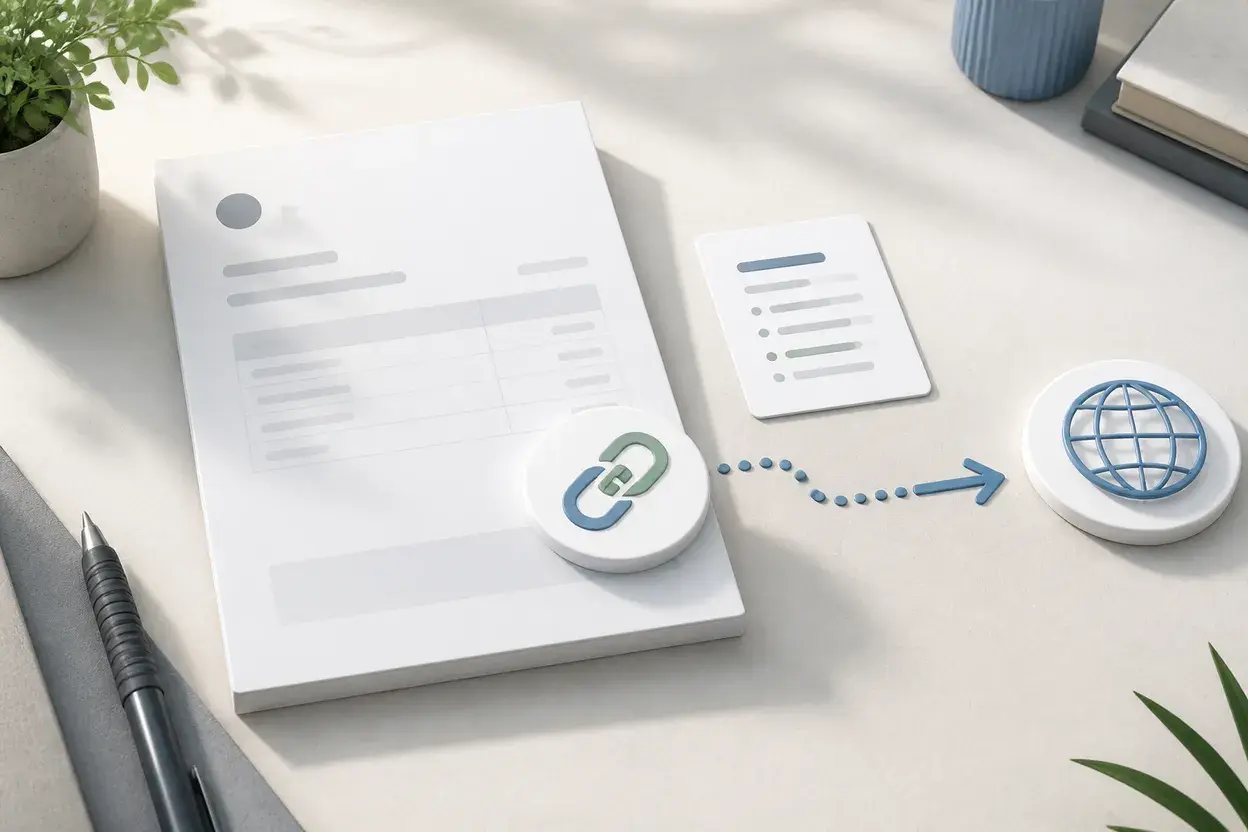
NeatInvoice lets you display the payment links or bank details configured for your business profile on an invoice. That keeps the next action visible to the client while the actual payment remains with your chosen provider or bank. NeatInvoice records status and payment dates after you confirm what happened elsewhere.
Written and reviewed by Willya Randika
Product proof
Payment instructions in the right document
Finance overview
Sample workspace data
Collected this month
$12,840
4 recorded payments
Expected next 30 days
$9,131
3 expected receivables
Still owed
$17,612
5 unpaid invoices
Overdue
$8,481
2 invoices past due
Cash outlook
Deterministic estimates, not guaranteed cash.
Expected receivables · 30 days
$9,131.00
Based on due dates, client payment history, and promises.
Scheduled recurring · 90 days
$2,600.00
Scheduled invoices stay separate from collected cash.
Follow up first
3 items need a next step
#INV-1060 · Riverside Cafe Group
#INV-1054-099 · Maya Chen Design
#INV-1053-01 · Northline Media
Receivables aging
Remaining balance grouped by age.
No due date
$0
0 invoices
Not yet due
$9,131
3 invoices
1-30 days overdue
$3,850
1 invoice
31-60 days overdue
$4,631
1 invoice
61+ days overdue
$0
0 invoices
Collected vs billed
Cash received and invoices issued in the selected period.
Collected
$42,750
Billed
$51,280
Average / month
$7,125
Lifetime collected
$128,460
Client payment health
Payment behavior and open exposure by client.
Maya Chen Design
8 days typical · 75% on time
$4,631
overdue exposure
Riverside Cafe Group
No payment history
$3,850
outstanding
Northline Media
12 days typical · 100% on time
$650
outstanding
Revenue mix
Top collected line items. Revenue, not profit.
Website design
6 uses · $1,550 average
$9,300
Brand consultation
4 uses · $1,125 average
$4,500
Monthly support
5 uses · $650 average
$3,250
A clear link or bank instruction can remove one question from the invoice. The bank or payment provider remains responsible for the transaction itself.
Ready to use the workflow?
Start with a 7-day trial, no card required, and keep the free generator available for one-off PDFs.
An invoice payment link points a client toward the method you already use. It does not turn the invoice editor into a payment processor. NeatInvoice keeps that distinction visible so the invoice can be clear without overstating what happened to the money.
What an invoice payment link does
A payment link can make the next action easy to find. The client opens the published invoice, sees the amount due and terms, then follows the link to the bank or payment provider selected by the business. A bank transfer instruction can serve the same purpose when a link is not appropriate.
The link remains one part of the invoice. The document still needs the sender, client, invoice number, issue date, due date, line items, currency, amount, and payment terms. A button without those details does not help the client reconcile the charge.
| Invoice element | Why it matters |
|---|---|
| Amount and due date | The client knows what is being requested and when |
| Payment link or bank details | The next action is visible without an email search |
| Invoice number | The payment can be referenced against the right record |
| Status and payment date | The owner can update the invoice after funds arrive |
Do not call a link a payment confirmation. A client can open the destination, abandon the form, use a different method, or pay an amount that needs allocation. The invoice stays open until the owner records the correct result.
Add payment instructions to a reviewable invoice
Start with the business profile that should appear as sender. Add the payment link or bank details that the client is expected to recognize. Then preview the invoice and check the destination outside the editor before publishing.
The review should cover the commercial record as well as the link:
- The recipient and sender are correct.
- The invoice number and amount match the agreement.
- The due date is explicit and the currency is clear.
- The payment destination belongs to the business or its chosen provider.
- The instructions do not promise a processor, refund policy, or settlement time that NeatInvoice cannot verify.
If the destination changes, update the invoice details before sharing it again. Keep the old document history intact when a correction is needed. A new link does not erase the first delivery or the client's approval process.
How NeatInvoice handles payment links
NeatInvoice does not process payments. It displays configured payment links and bank details on the invoice, and it can publish a live link, export a PDF, and keep the invoice status alongside the client record. It does not receive, hold, authorize, settle, refund, or reconcile client funds.
That boundary also shapes the analytics. A view event means the live invoice loaded. It does not prove the client clicked the payment destination. A paid status means the owner recorded payment. It does not mean NeatInvoice processed the transaction.
For delivery choices, read how to send an invoice. For view context, read how to know if a client viewed an invoice. For a broader billing workflow, use invoice software for freelancers.
When a payment processor or portal is better
Use a payment processor when you need card handling, authentication, settlement, refunds, receipts, chargeback workflows, or automatic payment recovery. Use a client portal when a client returns often and needs a history of documents, messages, or account actions.
A single invoice link is lighter when the client only needs one current document and already knows the payment method. Neither approach is automatically better. Let the provider own the payment event and let the invoice record own the amount, terms, and status that the provider does not replace.
Payment links also do not solve a scope dispute. If a client questions a line item, clarify the work and agreement before sending them back to a payment page. A clearer destination cannot fix an unclear charge.
Invoice payment link setup checklist
- Confirm the payment destination in the provider or bank system.
- Use the correct business profile and currency.
- Add the invoice number as a payment reference where the method supports it.
- State the amount, due date, and payment terms clearly.
- Test the link without submitting a payment.
- Publish or send the invoice through the agreed channel.
- Reconcile the incoming payment outside NeatInvoice.
- Record the paid status and payment date only after confirmation.
Frequently asked questions
Does NeatInvoice process payments?
What is an invoice payment link?
Can clients open a payment link without a NeatInvoice account?
Should I use a payment processor instead?
Keep going
Related billing paths
Keep the next invoice clear
Move from a one-off document to a reusable workspace when saved clients, live links, status, and follow-up are worth keeping together.
Sources and related guidance
References used to support this page in . Rules and product details can change; check the linked source for current, jurisdiction-specific information.
- How to send an invoice by NeatInvoice
- How to know if a client viewed an invoice by NeatInvoice