
Invoice reminder software
Automatic invoice reminders without awkward follow-ups
Set up scheduled invoice reminders for ready-to-follow-up balances, while keeping disputed or unclear invoices under human review.
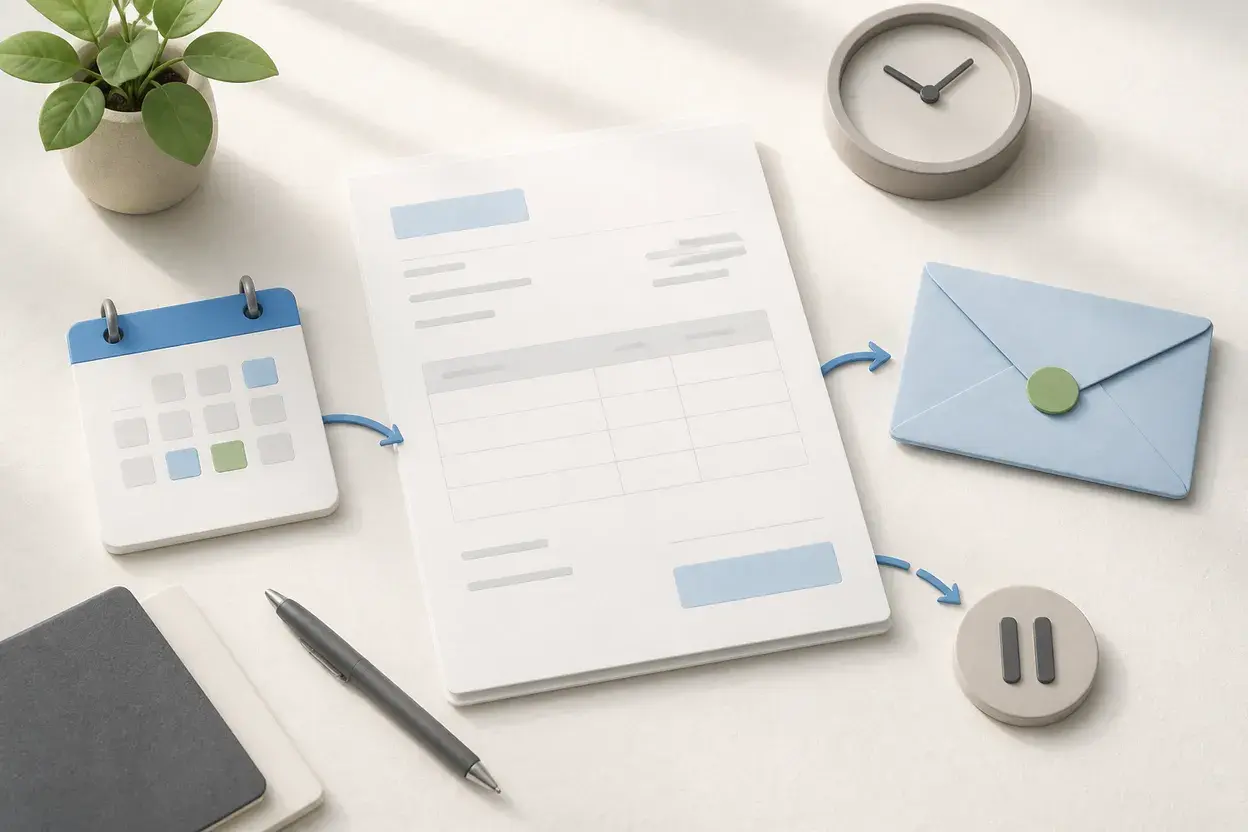
Best fit
Best for predictable follow-up where the invoice owner still reviews exceptions.
NeatInvoice supports scheduled reminders for invoices that meet the configured readiness and plan rules. Use due dates and status to keep routine follow-up consistent, then pause and review an invoice when delivery, approval, a missing purchase order, or a dispute explains the delay. It is not a collections agency or debt-recovery service.
Written and reviewed by Willya Randika
Product proof
Routine follow-up with an exception lane
Finance overview
Sample workspace data
Collected this month
$12,840
4 recorded payments
Expected next 30 days
$9,131
3 expected receivables
Still owed
$17,612
5 unpaid invoices
Overdue
$8,481
2 invoices past due
Follow up first
3 items need a next step
#INV-1060 · Riverside Cafe Group
#INV-1054-099 · Maya Chen Design
#INV-1053-01 · Northline Media
Receivables aging
Remaining balance grouped by age.
No due date
$0
0 invoices
Not yet due
$9,131
3 invoices
1-30 days overdue
$3,850
1 invoice
31-60 days overdue
$4,631
1 invoice
61+ days overdue
$0
0 invoices
Two payments recorded
$1,400 collected · $600 remaining
Reminder settings handle repeatable timing. The invoice owner still decides what to do when a link was not delivered, approval is blocked, or a balance is disputed.
Ready to use the workflow?
Start with a 7-day trial, no card required, and keep the free generator available for one-off PDFs.
Invoice reminder software helps with repeatable follow-up, but it should not make the decision that every overdue balance deserves the same message. NeatInvoice is designed for scheduled reminders around invoices that are ready for routine follow-up, with room to pause when the real blocker is delivery, approval, or a dispute.
When invoice reminder software is useful
Reminders are most useful when the commercial agreement is clear, the invoice reached the right contact, and the balance is not under review. The same client may need a different path for a missing purchase order, a corrected tax detail, or an approved payment date.
Before you automate, check the record:
- The invoice has a real recipient and billing email.
- The service or milestone has been completed under the agreement.
- The due date and payment terms are accurate.
- The invoice is not cancelled, disputed, or waiting for a correction.
- The payment instructions are current.
This readiness check protects the client relationship and the invoice history. It also reduces the common mistake of treating an overdue label as an explanation.
A reminder workflow with room for judgment
A reliable reminder routine has a short sequence. First, confirm delivery. Second, restate the invoice number, amount, and due date. Third, ask whether approval or a purchase-order detail is blocking payment. Only then decide whether the next message should request a payment date or pause for a dispute.
| Stage | Useful action | Avoid |
|---|---|---|
| Before due date | Confirm the recipient and approval path | Calling a current invoice overdue |
| Due date | Restate amount, terms, and payment instructions | Adding pressure without checking delivery |
| Recently overdue | Ask for approval status or a payment date | Assuming refusal to pay |
| Disputed | Record the issue and agree the next review | Sending routine reminders over an unresolved scope |
Because the due date drives this sequence, the invoice payment terms guide covers Net terms and explicit calendar dates.
The unpaid invoice reminder guide includes copy for each stage. The open invoice guide explains why an invoice can stay open while the owner investigates what happened.
What NeatInvoice can remind and what it cannot decide
NeatInvoice supports scheduled reminders for invoice records that meet the configured readiness and plan rules. The workspace keeps due dates, status, client details, and delivery context close to the invoice so the reminder is attached to a real record rather than a generic list.
The boundary is deliberate. NeatInvoice does not process payments. It does not decide whether the client is acting in bad faith, negotiate a disputed balance, provide legal notice, or recover a debt. A reminder can point to the invoice and its configured payment instructions, while the client uses the bank or provider you selected.
Use the reminder setting for stable routine work. If the amount changes every month, the service needs approval, or a client regularly disputes a line, draft the next invoice and review it before sending. Automation is a timing aid, not a substitute for commercial judgment.
When manual follow-up is better
Manual follow-up is safer in five situations: the client says the work is incomplete, the invoice needs a purchase order, the billing contact changed, the payment method failed, or only part of the amount is undisputed. In each case, a human needs to decide what the record should say and what the next message should request.
A calm message is usually specific. Name the invoice, the amount, and the due date. Ask one question about the blocker. Offer the payment instructions already agreed. If the client disputes a line, ask for the exact correction rather than sending a stronger template.
Do not mark an invoice paid because a client promised to pay. Record the promise in the operational note, then update the payment date after funds arrive. Do not cancel an invoice simply to remove it from the reminder queue if the balance is still collectible.
Invoice reminder setup checklist
- Set explicit issue and due dates.
- Confirm the recipient and the channel used for delivery.
- Write payment terms that match the agreement.
- Add the payment link or bank details the client already recognizes.
- Decide which statuses are eligible for reminders.
- Set a cadence that matches the relationship and contract.
- Pause reminders when scope, approval, or delivery is unclear.
- Record the real payment date after the chosen provider or bank confirms funds.
For a feature-first overview, see invoice tracking software. For a contractor-specific workflow, read contractor invoicing software. If you need a one-off PDF, use the free invoice generator.
Frequently asked questions
Can NeatInvoice send automatic invoice reminders?
Are reminders a collections service?
Should disputed invoices receive reminders?
Can I send a reminder before the due date?
Keep going
Related billing paths
Keep the next invoice clear
Move from a one-off document to a reusable workspace when saved clients, live links, status, and follow-up are worth keeping together.
Sources and related guidance
References used to support this page in . Rules and product details can change; check the linked source for current, jurisdiction-specific information.
- How to send an invoice by NeatInvoice
- How to know if a client viewed an invoice by NeatInvoice