
Invoice Reconciliation: A Practical Step-by-Step Guide
Learn how to reconcile invoices with purchase orders, receipts, payments, credits, and customer balances, with a worked example and checklist.
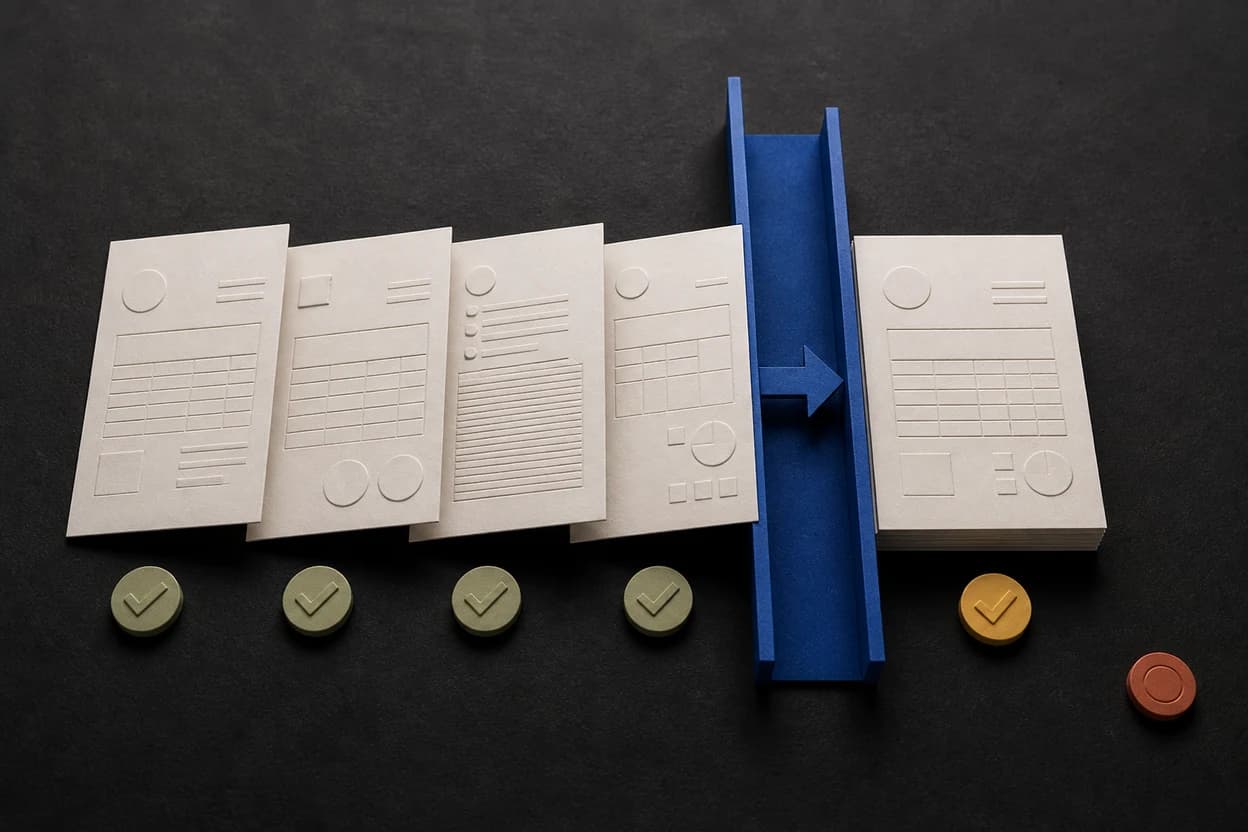
Invoice reconciliation is the check that connects an invoice to the records that prove what was ordered, delivered, and paid. It prevents a valid document from being paid twice, an incorrect amount from being approved, or a received payment from sitting unmatched.
To reconcile an invoice, compare its number, parties, line items, tax, total, and payment status with the relevant source records. On the buyer side, those records may be a purchase order, contract, and receipt. On the seller side, they are usually the issued invoice, bank or processor activity, credits, and the customer account balance.
Invoice reconciliation at a glance
| Workflow | Records compared | Question answered | Typical exception |
|---|---|---|---|
| Accounts payable | Invoice, purchase order, receipt, contract | Should this supplier invoice be approved? | Price or quantity does not match |
| Accounts receivable | Issued invoice, payment record, credits, customer balance | Has this customer payment been applied correctly? | Payment has no invoice reference |
| Period-end review | Invoice register, subledger, general ledger | Do the detailed records support the reported balance? | Open-item total differs from the ledger |
SAP's invoice reconciliation overview describes the buyer-side process as identifying and managing discrepancies between invoices and related purchase orders or contracts. In a small service business, the same control can be simpler: verify the invoice against the agreement, then match the eventual payment back to that invoice.
The two sides of invoice reconciliation
Buyer-side invoice matching
The customer or accounts payable team checks whether the supplier's invoice agrees with what the business authorized and received.
- Two-way match: purchase order against invoice
- Three-way match: purchase order, goods or service receipt, and invoice
- Contract match: contract or approved statement of work against invoice
SAP notes that two-way matching compares the PO and invoice, while three-way matching also uses receipt data. The exact workflow and tolerance rules depend on the buyer's system. A freelancer may never see the internal match, but a missing PO number or unexplained rate change can still stop approval.
Seller-side payment reconciliation
The seller checks whether money received belongs to an issued invoice and whether the remaining customer balance is correct.
This is not the same as seeing a transfer notification. Reconciliation means identifying the settled transaction, matching it to the correct invoice, recording the payment date and amount, and resolving any difference.
Disclosure: NeatInvoice publishes this guide. NeatInvoice records invoice status and payment details, but it does not process payments or connect to your bank. Confirm the transaction in your bank or payment provider before marking an invoice paid.
A practical invoice reconciliation process
Collect
Match
Investigate
Resolve
Record
1. Confirm the document identity
Start with fields that prevent the wrong records from being paired:
- Seller and customer legal or trading names
- Invoice number
- Purchase order, contract, or project reference
- Issue date and service or delivery period
- Currency
If the client paid three invoices in one transfer, do not guess which document the reference belongs to. Ask for remittance detail or agree how the amount should be allocated.
The remittance advice guide covers the payer's allocation message and the checks to perform before closing an invoice.
2. Compare the commercial detail
Check descriptions, quantities, rates, discounts, tax, shipping, and total. For a service invoice, compare the billed milestone or hours with the approved scope and change records. For goods, compare quantities with the accepted receipt.
A mismatch does not automatically mean the invoice is invalid. It means someone must explain and approve the difference before the record is closed.
3. Match the payment
Compare:
- Amount received
- Settlement date
- Payer name
- Bank or processor reference
- Currency and fees
- Invoice number or remittance note
Keep gross invoice value separate from bank fees. If a $2,000 invoice settles as $1,940 because a platform deducted $60, the customer may still have paid the full $2,000. Record the fee separately according to your accounting process rather than leaving an unexplained $60 receivable.
4. Resolve exceptions before changing status
Common outcomes include:
- Apply the full payment and close the invoice
- Apply a partial payment and keep the remaining balance open
- Ask the payer which invoice a transfer covers
- Return or reallocate a duplicate payment
- Issue the appropriate correction document for an approved pricing error
- Open a documented dispute for unresolved scope or amount differences
Do not edit an issued invoice silently just to force a match. Preserve the original record and follow the correction process required by your jurisdiction and bookkeeping system.
5. Keep the evidence together
The IRS recordkeeping guidance lists invoices, paid bills, receipts, deposit information, and canceled checks among the supporting documents businesses may need to substantiate entries in their books. Retention periods and required documents vary, but the operational principle is consistent: the recorded amount should be traceable to source evidence.
Worked example: one payment, two invoices
A client has two open invoices:
INV-2041: $1,500, due August 5INV-2048: $900, due August 20
On August 8, your bank shows one settled transfer for $2,000 with the reference AUG SERVICES.
Do not mark both invoices paid. The amount is $400 short of the combined balance, and the reference does not provide an allocation.
A clean resolution is:
- Ask the client for remittance detail.
- The client confirms $1,500 for
INV-2041and $500 as a partial payment forINV-2048. - Mark
INV-2041paid on August 8. - Record $500 against
INV-2048and leave $400 open. - Preserve the client's allocation message with the payment record.
The bank total, invoice register, and customer balance now tell the same story.
Common reconciliation exceptions
| Exception | Likely cause | Next action |
|---|---|---|
| No PO match | PO omitted, closed, or never issued | Confirm the buyer's required reference before resending |
| Price variance | Old rate, unapproved change, or data-entry error | Compare the contract and approved changes |
| Quantity variance | Partial delivery, return, or timing difference | Check accepted receipt and remaining order |
| Unapplied payment | Missing invoice number or combined remittance | Request allocation detail from the payer |
| Duplicate payment | Invoice was paid through two channels | Verify both settlements and agree refund or credit treatment |
| Short payment | Partial payment, fee, withholding, or dispute | Identify the reason before closing the invoice |
How reconciliation differs from accounts receivable aging
Reconciliation asks whether the records and balances are correct. Accounts receivable aging groups correct open balances by how long they have been current or overdue.
Run reconciliation first. An aging report built from duplicate invoices, unapplied cash, or incorrect due dates can look precise while pointing your team toward the wrong customer.
A monthly reconciliation checklist
For each active customer or account:
- Review issued invoice numbers for gaps and duplicates.
- Match settled receipts to invoices.
- Investigate unapplied and partial payments.
- Confirm credits, cancellations, and write-offs were authorized.
- Compare the open-invoice total with the customer balance.
- Review older balances in the aging report.
- Save the evidence and date the review.
Small businesses may perform these checks weekly instead of waiting for month-end. The important part is a repeatable cutoff: know which transactions were included and which remain in transit.
After a payment is matched, send a clear invoice payment confirmation email when the client needs the amount, date, invoice number, and remaining balance documented.
Frequently asked questions
What is invoice reconciliation?
How do you reconcile an invoice?
What is three-way invoice matching?
What if a payment does not include an invoice number?
Is invoice reconciliation the same as accounts receivable aging?
Sources and related guidance
References used to support this page in . Rules and product details can change; check the linked source for current, jurisdiction-specific information.
- Overview of Invoice Reconciliation by SAP Help Portal
- Reviewing the Order Details for an Invoice Reconciliation by SAP Help Portal
- What kind of records should I keep? by Internal Revenue Service