
Electrical invoicing
Electrician invoicing software for labor and parts
Create electrical estimates and invoices with service locations, callouts, labor, parts, inspection references, live links, and reminders.
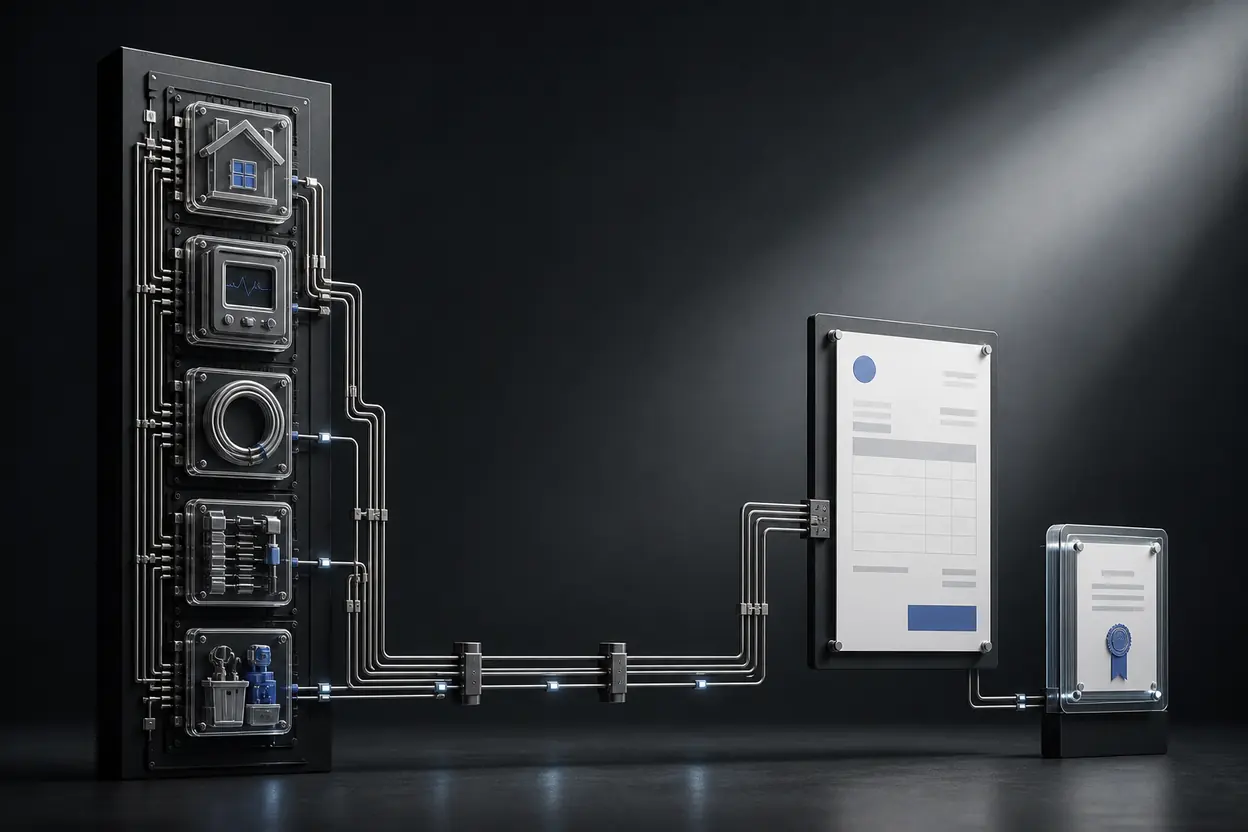
Best fit
Best for clear billing after scope and approvals are managed elsewhere.
NeatInvoice fits independent electricians and small electrical businesses that need professional estimates, itemized invoices, live links, reminders, and visibility into unpaid work. It can record a permit or inspection reference as invoice detail, but it does not manage compliance, certificates, dispatch, price books, inventory, time sheets, or project costing.
Written and reviewed by Willya Randika
When does NeatInvoice fit an electrical business?
Electrical billing needs a clean line between commercial documents and technical records. An estimate can describe proposed work and price. An invoice can request payment for completed, approved work. Neither replaces permits, inspection results, test records, certificates, drawings, or a technician work order.
NeatInvoice fits independent electricians and small electrical businesses when that boundary is easy to maintain. It provides a focused estimate, invoice, live-link, reminder, and balance workflow without claiming to operate the job.
NeatInvoice publishes this guide. The category comparison names both the billing tasks it supports and the cases where electrical field-service software is safer.
NeatInvoice fits when
- You bill callouts, diagnostics, labor, parts, fixed installations, deposits, or simple milestones.
- Scope and change approval are captured before an invoice requests payment.
- Permit, inspection, or client references can be included as genuine invoice details.
- You need saved clients and items, live links, PDFs, reminders, and open-balance visibility.
Use specialist software when
- Technicians require dispatch, route planning, mobile work orders, or time capture.
- You need inventory, supplier purchasing, flat-rate price books, or job profitability.
- Compliance documents and test certificates must be generated and retained in one regulated workflow.
- Complex projects require construction payment applications, job costing, or subcontractor controls.
Do not choose software from a list of electrical nouns. A product that lets you type a permit number is not permit-management software. Evaluate whether the system owns the underlying record, validates it, and supports the required process.
How should an electrical estimate become an invoice?
Define proposed work
Estimate scope, exclusions, service location, parts allowance, labor basis, and expiry.
Keep acceptance
Store written approval and any deposit or change process with the job record.
Verify completion
Confirm labor, installed parts, approved extras, and genuine inspection references.
Request payment
Convert the estimate, review the invoice, then deliver its live link or PDF.
Follow up and close
Use delivery and view context, then record payment after funds arrive.
One-click conversion copies the accepted estimate into an invoice starting point. It does not prove the work was completed or the amount is due. Remove unperformed options, replace allowances with actual approved charges, add prior payments, and check dates, tax, currency, and payment instructions.
For a diagnostic visit that leads to a separate repair quote, decide whether the callout is independently chargeable. State that before attendance where possible. An invoice should not introduce a fee the client had no reasonable chance to understand.
NeatInvoice does not process payments. Add accurate payment instructions or links, then update invoice status only when funds arrive elsewhere.
Which features support electrical billing tasks?
| Electrical task | NeatInvoice support | Operator responsibility |
|---|---|---|
| Estimate an installation | Client estimate with live link and PDF | Describe circuits, fixtures, exclusions, allowance, service location, price, and expiry. |
| Bill callout and diagnosis | Separate invoice lines | Use disclosed rates and distinguish attendance from completed repair work. |
| Bill labor and parts | Items, quantities, rates, and supporting detail | Enter verified hours and installed parts. NeatInvoice does not track either source record. |
| Reference compliance | Custom fields and notes | Use genuine permit or inspection identifiers and deliver required certificates separately. |
| Send and monitor | Share email, live link, PDF, views, and reminders | Publishing is not sending. A view is not approval. |
| Review money owed | Invoice status, due dates, and finance overview | Mark paid only after actual payment through the chosen method. |
Saved items can keep service wording consistent, such as “fault diagnosis” or “consumer-unit replacement labor.” The actual invoice still needs property, date, quantity, and relevant detail. A reusable row should speed accurate entry, not create a standard charge without evidence.
Worked example: diagnostic visit and approved repair
If the client already paid the callout, record it as a prior payment so the invoice requests only $760. If the repair requires a certificate, provide the actual certificate through the required process. A note such as “certificate supplied separately” is useful; a fabricated certificate number is not.
If further work remains optional, leave it on a new estimate rather than adding it to the current invoice. This keeps payment for completed work separate from a future proposal.
How should deposits and project milestones work?
Larger electrical installations may use a materials deposit and one or more milestones. The contract should define what triggers each request. The first invoice can request the deposit and explain how it applies. Later invoices should show the completed phase, prior payment, approved changes, and current amount due.
Do not show the full contract amount as currently payable unless it is. If a $12,000 installation uses a $3,000 deposit, a $4,500 rough-in milestone, and a $4,500 completion balance, issue or structure each request so the amount due is clear. The deposit guide covers separate deposit and balance patterns.
For projects that require schedules of values, formal payment applications, retainage, or construction accounting, use a specialist platform. NeatInvoice can create standard invoices, not regulated or contract-specific payment forms.
What must stay outside the invoice?
NeatInvoice does not generate electrical certificates, validate permits, track inspections, maintain test results, schedule technicians, capture time, manage parts inventory, or calculate job costs. An invoice may reference those records, but it cannot replace them.
This is especially important for compliance language. Requirements vary by jurisdiction, work type, and customer. Use the terminology and records required by the competent authority or licensing framework. Do not copy a generic certificate statement from an invoice template.
Warranty language also needs accuracy. State actual coverage and exclusions or point to the written terms. An invoice is not the right place to expand or invent a warranty.
When do recurring invoices help electricians?
Recurring schedules can suit fixed inspection retainers, predictable maintenance, or a monthly support agreement. They are less suitable when every visit depends on actual time, parts, and test results. Choose draft generation when someone must confirm what happened before billing.
The recurring invoice guide covers blueprint setup, review, pause, and auto-send boundaries.
Auto-send requires a stable amount, recipient, cadence, due date, payment instructions, and invoice description. Pause the schedule when the agreement ends or service is suspended. The recurring setting automates document timing, not proof of attendance.
Reminders can support overdue follow-up after checking the client process. A commercial client may require a purchase order, job reference, certificate, or named approver. Confirm the missing record before sending repeated payment requests.
Focused invoicing vs electrical field-service software
| Workflow | NeatInvoice | Specialist platform |
|---|---|---|
| Estimate and invoice presentation | Focused live links, PDFs, conversion, status, and reminders | Often connected to the work order and technician workflow |
| Dispatch and technician operations | Not included | Better fit for calendars, routes, mobile jobs, time, and completion forms |
| Parts and price books | Reusable invoice items only | Better fit for inventory, supplier costs, standard task pricing, and margin control |
| Compliance documents | Reference fields only | Use an approved specialist or regulatory workflow where required |
| Accounting | Invoice status, not a ledger | Still use accounting software for reconciliation and reports |
If the electrical platform already owns work orders, parts, time, and invoices, adding another billing tool may create duplicate records. NeatInvoice makes sense when a small business values its client document and follow-up workflow and can establish one reliable handoff from verified job data.
Electrician invoicing setup checklist
- Configure the correct sender identity, currency, invoice sequence, and payment instructions.
- Save the client billing contact and electrical service location.
- Decide how callout, diagnosis, labor, parts, and after-hours work are shown.
- Use estimates for proposed installations and keep acceptance outside the invoice.
- Record deposits and prior payments clearly.
- Reference only genuine purchase orders, permits, inspections, and certificates.
- Deliver technical or compliance documents through the required channel.
- Use recurring drafts only for stable agreements.
- Confirm tax, invoice, licensing, and record requirements for the jurisdiction.
- Review delivery and dispute context before escalating overdue follow-up.
The electrician invoice template gives a practical starting point for callout, labor, parts, and genuine inspection references. It leaves rates, tax, and compliance details empty.
Frequently asked questions
Can NeatInvoice convert an electrical estimate into an invoice?
Can I add permit or inspection references?
Does NeatInvoice schedule electricians or track time?
Can electrical maintenance invoices recur?
Does NeatInvoice process payments?
Start with the electrician invoice template
Load profession-specific line items into the free generator. Rates and tax stay blank so you can enter the terms agreed for the actual job.
- No sign-up
- No watermark
- PDF export
Explore by trade
Related industries

Contractor invoicing
Contractors
Best for contract-led work without dispatch or job-costing needs.
Construction billing
Construction
Best for owner-operated businesses with contract-led, reviewable billing.

Auto repair invoicing
Auto repair
Best for simple repair billing, not end-to-end shop operations.
Related articles
 Estimates
Quote vs Invoice vs Estimate: Key Differences (2026)
Compare quotes, estimates, and invoices by timing, commitment, revisions, acceptance, and payment purpose, with a practical project workflow.
 Payment terms
Invoice Payment Terms: Net 30, Due Dates, and Fees
Understand Net 7, Net 15, Net 30, due on receipt, milestone terms, explicit due dates, discounts, and careful late-fee wording for client invoices.
 Delivery
How to Send an Invoice: Email or Live Link
Learn how to send an invoice by email or live link, what to verify before delivery, and how to follow up without confusing publish with send.
Sources and related guidance
References used to support this page in . Rules and product details can change; check the linked source for current, jurisdiction-specific information.
- Invoices - what they must include by GOV.UK
- How to invoice by Australian Government