
Auto repair invoicing
Auto repair invoicing software for small shops
Create estimates and itemized auto repair invoices with vehicle references, parts, labor, authorization notes, live links, and payment follow-up.
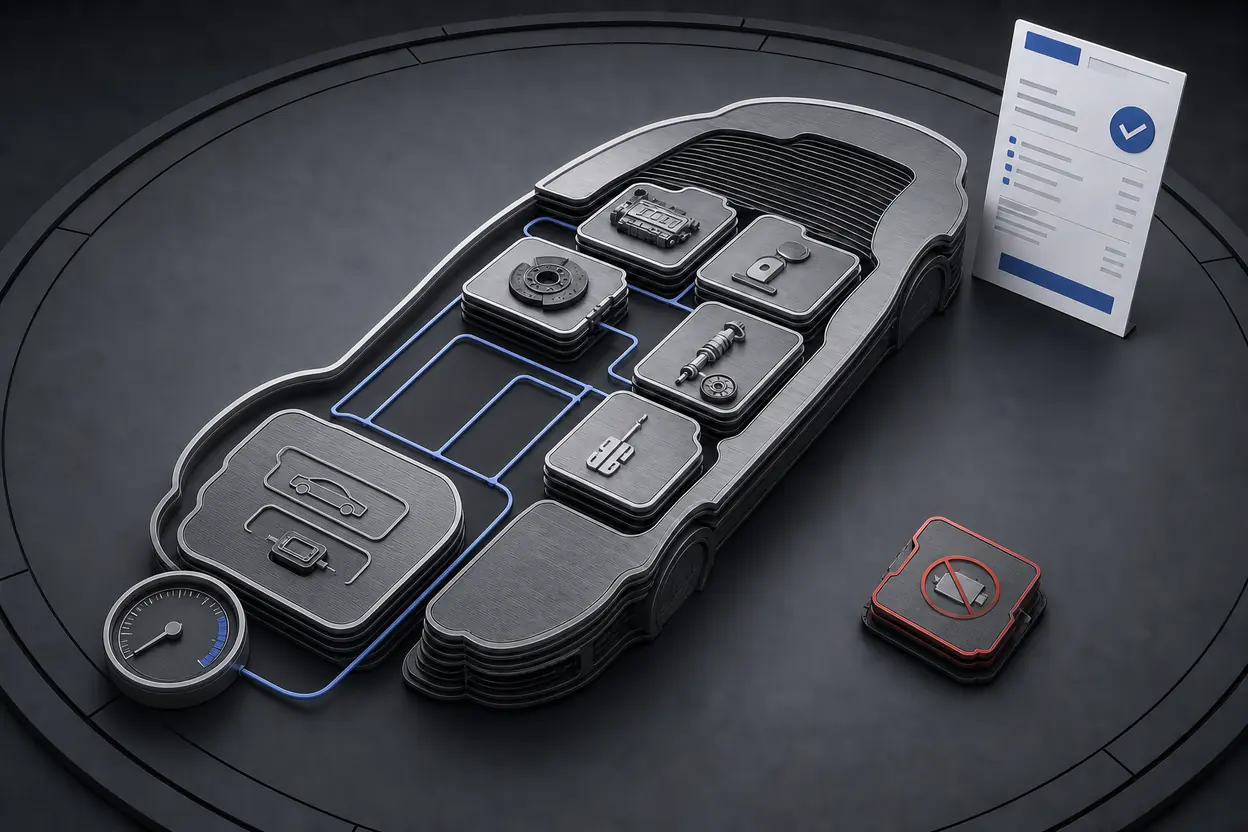
Best fit
Best for simple repair billing, not end-to-end shop operations.
NeatInvoice can fit a mobile mechanic or small repair shop with straightforward estimates and invoices. It separates parts, labor, diagnostics, and prior payments, then supports live links and reminders. It is not a shop-management system and does not create repair orders, decode VINs, source parts, manage bays, track inventory, or maintain service histories.
Written and reviewed by Willya Randika
Can a small repair business use focused invoicing software?
Auto repair billing starts with a vehicle and an authorization record, not only a customer name. The final invoice may separate diagnosis, labor, parts, shop supplies, tax, discounts, deposits, and warranty information. A mobile mechanic with simple jobs may express that clearly in a standard estimate and invoice. A busy shop usually needs deeper operational software.
NeatInvoice can fit the first case. It does not become a repair-order or shop-management system because an invoice includes a VIN or plate reference.
NeatInvoice publishes this guide. The fit comparison states when a lightweight invoice workflow works and when shop-management software should own the process.
NeatInvoice fits when
- You are a mobile mechanic or small shop with straightforward estimates and invoices.
- Vehicle identity, approved work, labor, parts, and prior payments fit a standard document.
- Authorizations, diagnostics, and service records are reliably stored outside the invoice.
- You need live client links, PDFs, reminders, saved clients and items, and balance visibility.
Use specialist software when
- You manage bays, appointments, technicians, inspections, repair orders, or digital approvals.
- VIN decoding, labor guides, parts sourcing, inventory, and purchase orders drive every job.
- You need vehicle service history, warranty claims, inspections, or customer asset records.
- Shop performance requires technician productivity, parts margin, or job-profitability reporting.
Consumer-repair rules differ by jurisdiction. The U.S. Federal Trade Commission advises consumers to ask for a written estimate identifying the condition, parts needed, and anticipated labor charge, plus authorization before exceeding a stated amount. Treat that as a U.S. consumer reference, not a universal rule. Confirm the requirements where the shop operates.
What record should exist before the invoice?
Identify the vehicle
Record customer, year, make, model, and a genuine VIN, plate, or job reference if needed.
Estimate the repair
Separate diagnosis, proposed labor, parts, tax, exclusions, and authorization limit.
Keep authorization
Store approval and any authorized additions in the repair record.
Build the invoice
Use actual parts and labor, prior payments, service date, and accurate warranty notes.
Deliver and close
Share the invoice, answer disputes, and record payment after funds arrive.
The estimate explains proposed commercial terms. The authorization records permission to proceed. The repair order or job record documents the work. The invoice requests payment. These records may share facts, but they do different jobs.
One-click conversion can copy an accepted estimate into an invoice. Review every part, quantity, labor amount, and note against the completed job. Remove declined work. Replace estimates with actual approved charges. Never treat conversion as automatic customer authorization.
NeatInvoice does not process payments or customer financing. Add the payment instructions or links the shop uses, then record status after funds arrive elsewhere.
How do NeatInvoice features map to repair billing?
| Repair billing task | NeatInvoice support | Boundary |
|---|---|---|
| Prepare a repair estimate | Estimate with line items, notes, live link, and PDF | No VIN decoding, inspection checklist, labor guide, parts lookup, or digital repair order. |
| Identify the vehicle | Recipient detail, notes, and custom fields | Enter genuine references manually. NeatInvoice is not a vehicle database. |
| Separate parts and labor | Distinct invoice items with quantity, rate, and detail | Use actual approved parts and verified labor amounts from the job record. |
| Record approval context | Notes or an authorization reference | Keep the original approval in the shop record. A note does not recreate consent. |
| Send and follow up | Email delivery, live link, PDF, views, reminders, and statuses | Publishing is not sending, and a view is not acceptance. |
| Track open balances | Finance overview and due dates | Payment processing, bank reconciliation, and customer financing are not included. |
Saved items can help with repeat descriptions such as diagnostic service or a standard mobile callout. Do not store a fixed rate unless it is genuinely current and appropriate. Parts prices, labor requirements, and tax treatment can change between jobs.
For fleet clients, include the asset identifier and purchase-order reference their accounts-payable team actually uses. A contact may manage many vehicles under one company. Clear identifiers reduce reconciliation questions, but they do not create a service-history database. Keep mileage, inspection findings, and maintenance records in the shop system.
Worked example: diagnosis, approved work, and declined work
The invoice can state year, make, model, service date, and a vehicle reference. If a plate or VIN is sensitive under the business's privacy practice, collect and display only what is needed. NeatInvoice does not validate these identifiers.
If the customer already paid $120 for diagnosis, record that prior payment and request the remaining approved amount. Do not present the unpaid invoice as a receipt. The invoice vs receipt guide explains the record distinction. After the customer pays, update the status and payment date; provide proof of payment according to the shop's process and local rules.
How should parts, labor, and warranty wording appear?
Separating parts and labor helps the customer compare the estimate with completed work. A part line can include a clear name, quantity, and approved price. A labor line can identify the operation or service period. Do not expose irrelevant internal cost data unless the agreement requires it.
Tax treatment for parts, labor, supplies, and fees differs across jurisdictions. Configure the invoice based on applicable rules rather than copying a sample tax rate. The paired template intentionally starts with no default tax.
Warranty wording should match actual written coverage. State whether coverage applies to parts, labor, or both, plus any relevant term or exclusion. If warranty information belongs on a separate document, reference it and deliver that record. Avoid a generic “full warranty” promise.
The FTC also advises consumers to document dates, times, expenses, and the people involved when disputing repair work. A clear estimate, authorization reference, and itemized invoice support that record, but they do not decide the dispute.
What is missing compared with shop-management software?
NeatInvoice does not create repair orders, decode VINs, schedule bays, assign technicians, source parts, track inventory, use labor-time guides, keep vehicle service histories, manage inspections, calculate technician productivity, process warranty claims, or offer customer financing.
A repair-order system ties inspection, authorization, parts, labor, technician activity, and completion together. If those records determine invoice accuracy, use the shop system as their source of truth. Export or copy only the verified billing result if NeatInvoice remains the client invoice layer.
For repeat fleet work with a fixed monthly administration or maintenance charge, recurring invoices may help. They are usually not suitable for variable repair work. Actual parts, labor, and authorization change from vehicle to vehicle, so create or review each invoice manually.
Focused invoicing vs shop software vs accounting
| System | Best fit | Key limitation |
|---|---|---|
| NeatInvoice | Straightforward estimates, invoices, live links, PDFs, reminders, and open balances | No repair-order, vehicle, technician, parts, or shop workflow. |
| Auto repair shop platform | Appointments, inspections, approvals, repair orders, labor guides, parts, bays, and history | Accounting depth and client invoice experience depend on the product. |
| Accounting suite | Ledger, expenses, bank reconciliation, financial reports, and tax records | Usually does not manage vehicle repairs or technician operations. |
A mobile mechanic who completes a few well-defined jobs may value the lighter tool. A multi-bay shop should usually start with shop-management requirements. Do not select focused invoicing because it has fewer fields if the missing records are essential to authorization, safety, warranty, or profitability.
Auto repair invoicing setup checklist
- Configure shop identity, currency, numbering, and payment instructions.
- Save the customer and billing recipient.
- Decide which vehicle identifiers are necessary and how they are protected.
- Define diagnostic, callout, labor, parts, supplies, and tax presentation.
- Use estimates for proposed work and keep authorization in the repair record.
- Remove declined work before converting or issuing the final invoice.
- Record deposits and prior payments clearly.
- Use only accurate, written warranty language.
- Confirm repair estimate, authorization, invoice, tax, privacy, and record rules locally.
- Pause reminders when a repair or amount is genuinely disputed.
The auto repair invoice template includes vehicle references, diagnosis, parts, labor, authorization, and warranty-note patterns. It is a document starting point, not a repair order.
Run one final comparison against the approved estimate and repair record. Vehicle, work performed, parts, labor, tax, prior payment, and amount due should agree. If they do not, correct the source discrepancy before delivering the invoice.
Frequently asked questions
Is NeatInvoice auto repair shop-management software?
Can I add a VIN or plate number to an invoice?
Can a repair estimate convert to an invoice?
Can NeatInvoice store repair authorization?
Does NeatInvoice process payments or customer financing?
Start with the auto repair invoice template
Load profession-specific line items into the free generator. Rates and tax stay blank so you can enter the terms agreed for the actual job.
- No sign-up
- No watermark
- PDF export
Explore by trade
Related industries
Contractor invoicing
Contractors
Best for contract-led work without dispatch or job-costing needs.
Electrical invoicing
Electricians
Best for clear billing after scope and approvals are managed elsewhere.

Construction billing
Construction
Best for owner-operated businesses with contract-led, reviewable billing.
Related articles
 Estimates
Quote vs Invoice vs Estimate: Key Differences (2026)
Compare quotes, estimates, and invoices by timing, commitment, revisions, acceptance, and payment purpose, with a practical project workflow.
 Records
Invoice vs Receipt: Differences and Examples (2026)
Learn when invoices and receipts are issued, what each document includes, how they support records, and when a paid invoice may not replace a receipt.
 Collections
Unpaid Invoice? Reminder Emails and Next Steps
A practical unpaid invoice escalation plan with copy-ready reminder emails, timing guidance, dispute handling, and careful late-fee and final-notice advice.
Sources and related guidance
References used to support this page in . Rules and product details can change; check the linked source for current, jurisdiction-specific information.
- Invoices - what they must include by GOV.UK
- How to invoice by Australian Government
- Auto Repair Basics by U.S. Federal Trade Commission